πŸ”΄   Live
New school onboarding for 2026–27 academic year.
Reserve Your DEMO Slot β†’
Move Students Up β€” Without the Manual Work

Student Promotion Manager


Promote students to the next class automatically β€” with full control and zero data loss.
school-logo
school-logo
school-logo
school-logo
school-logo
school-logo
school-logo
school-logo
school-logo
school-logo

Promotions That Are Calm, Clear, and Click-Based

Student promotion time often feels like chaos β€” messy Excel sheets, lost records, and hours of manual transfers.

With iSchoolCloud’s Promotion Manager, you can move entire classes to their next academic level in minutes β€” while keeping report cards, attendance, fee status, and sibling links intact.

It’s not just about moving names β€” it’s about doing it smoothly, accurately, and stress-free.
πŸ“‹
Class-Wise Promotion Dashboard
Promote students individually or in bulk β€” per class, section, or custom batch.
πŸ—‚οΈ
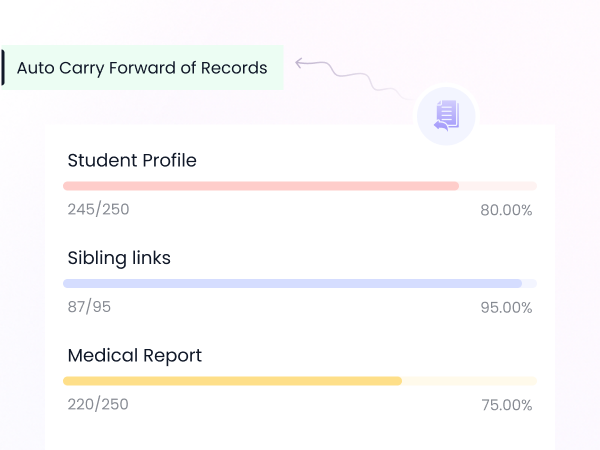
Auto Carry Forward of Records
Student IDs, profiles, sibling links, medical records, and fee status all move ahead automatically.
πŸŽ“
Class Teacher Review Option
Allow teachers to recommend or hold back students with comments.
πŸ“†
Session-Wise Data Lock
Once promoted, previous academic data is archived β€” and can’t be altered.
πŸ“€
Promotion Logs for Audit
View who promoted whom, when, and for which academic year.
πŸ“‰
Not Promoted Tracker
Keep records of students retained for academic or administrative reasons.
🧾
Integrated with Result Module
Promotions can be linked directly to marks/grades or manual overrides.
πŸ“₯
Downloadable Promotion Lists
Export student movement data in Excel/PDF for school records.
βœ…
Eligibility Filters
Set rules like β€œNo dues pending” or β€œMinimum pass grade” for promotion.

πŸ“Š Promoting Students Shouldn’t Feel Like Spreadsheet Work

It should feel like you’re running a school β€”
calmly, correctly, and without error βœ….

With iSchoolCloud’s Student Promotion Manager, you can move full classes up to the next grade β€” in just a few clicks πŸ–±οΈ.

🎯 You define the rules:
πŸ“ˆ By results
πŸ’Έ By fee clearance
πŸ‘©β€πŸ« By teacher recommendation
β€”or even a combination of all three.

Every student’s profile moves forward automatically:
πŸ“ No re-entry
πŸ”„ No data loss
🀷 No β€œwho forgot to move this one?” moments

You also get:
πŸ“‹ Clean promotion logs
πŸ“₯ Downloadable reports
πŸ”’ Academic year locks to prevent accidental edits

Whether it’s 30 students or 3,000 β€”
this tool brings order, structure, and peace of mind πŸ§˜β€β™€οΈ to every transition.


Do It Once β€” And Do It Without Mistakes

Promote the Right Students, the Right Way

iSchoolCloud helps you move students up the academic ladder with clean records and zero repetition.

Both. Promote by class, section, or student β€” with full flexibility.
Yes. Everything moves β€” including ID, sibling link, address, and health info.
Absolutely. You can automate based on pass/fail or use manual overrides.
Yes, if you choose to enable fee clearance as a rule.
Yes β€” teachers can suggest and admin can review before finalizing.
It’s locked and archived β€” secure and uneditable after promotion.
Yes β€” filtered lists by class, promotion status, or remarks can be downloaded.
You can reverse a promotion under admin control β€” safely and cleanly.
Yes β€” students appear in the next academic batch for scheduling.
Yes β€” promotions work across branches with independent or combined control.
five-rating-star 4.9 5000 Total Reviews

Join Our Inner Circle for Special Perks
A free guide/ebook on educational strategies or technology integration
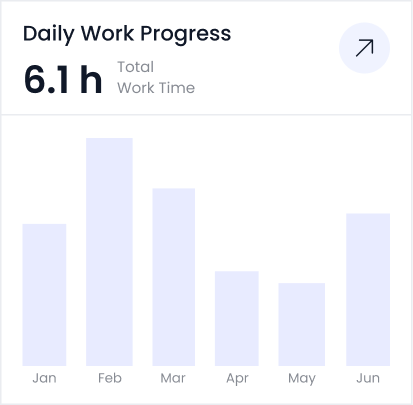
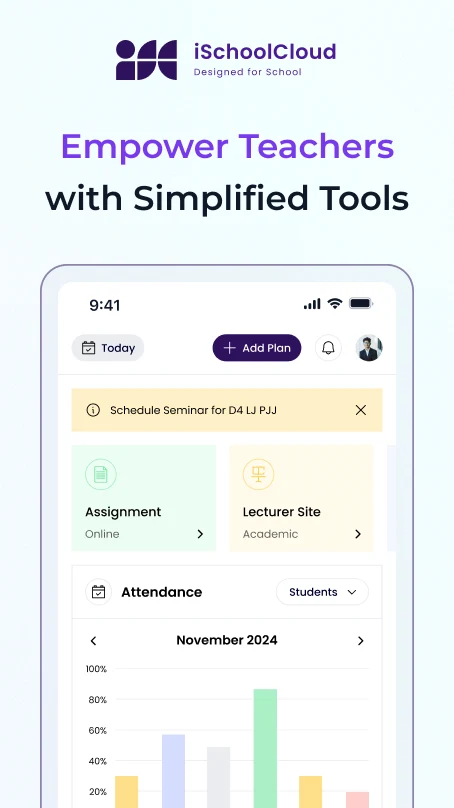
attedance report daily work progress