🔴   Live
New school onboarding for 2026–27 academic year.
Reserve Your DEMO Slot →
See What They’re Reading — Without Asking Twice

Access to Library Issued Books


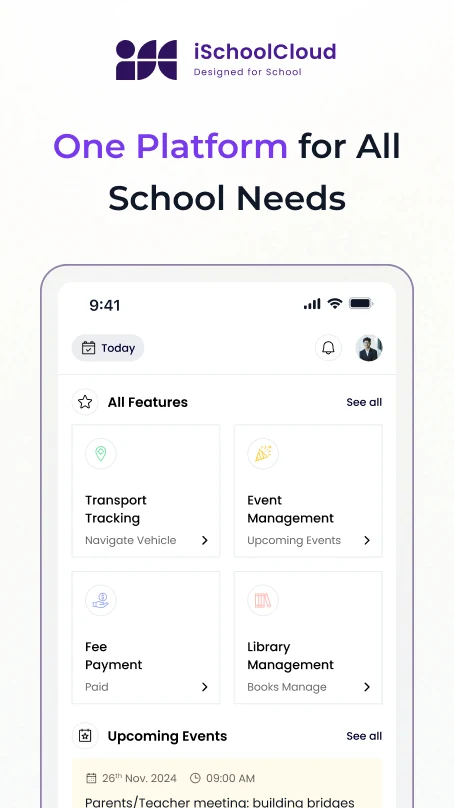
Parents can view books issued from the school library — helping them stay in touch with their child’s reading and return status.
school-logo
school-logo
school-logo
school-logo
school-logo
school-logo
school-logo
school-logo
school-logo
school-logo

Support Reading Without Micromanaging

Whether it’s a science encyclopedia, a fiction novel, or a subject guide — parents often want to know what their child is reading.

With iSchoolCloud, parents get a simple, optional view of books borrowed, due dates, and return history — so they can stay gently involved

📚
Book Issue Tracker
See all books currently borrowed by your child.
🕒
Due Date Reminders
Know when a book should be returned — avoid late fees.
🔁
View Book History
See previously borrowed titles over the term/year.
🧾
Overdue Alerts (if enabled)
Get notified if a book is overdue.
📖
Book Titles and Author Info
Explore what kind of reading your child is doing.
📥
Optional Downloadable History
Save or print borrowing records if needed.
🧑‍🎓
See Subject-Wise Reference Books
Helps parents support studies during exams.
📲
Mobile Access Anytime
View books and return info on the go.
🔐
Private Access for Each Child
Only visible to logged-in parents of that child.

📚 Parents want to encourage reading — not control it.

That’s why this Library Access feature in iSchoolCloud is:

🔓 Optional
🧠 Helpful
🌱 Gently informative

👀 You can see what your child is reading
⏳ Track due dates
💸 Avoid penalties
📖 Stay aware of their reading habits — without asking them every day

Whether it’s helping them return a book on time,
or discovering they just read a biography of Dr. Kalam
this view lets parents connect meaningfully with their child’s academic and casual reading.

💬 Every parent wants to nurture curiosity.

🪟 This feature simply gives them the window to do it — kindly and calmly.


Without intruding — just being aware.

Stay Involved With Your Child’s Reading Habits

Frequently asked questions about the library access feature for parents.

You’ll see a list of currently borrowed books, return status, and past issue history.
Yes — if enabled, you’ll get a visible “Overdue” tag or notification.
Only if your school’s library system is integrated with iSchoolCloud.
This isn’t part of the parent view — but some schools may activate a suggestion option later.
Yes — you’ll often see subject tags or academic relevance mentioned.
Yes — the system can send friendly reminders 1–2 days before due.
Yes — each child’s profile includes their own library view.
Yes — you can export the data if you need a hard copy or record.
Some schools enable this — short remarks like “recommended” or “read for class project.”
Yes — only you (as a verified parent) and authorized staff can view it.
five-rating-star 4.9 5000 Total Reviews

Join Our Inner Circle for Special Perks
A free guide/ebook on educational strategies or technology integration
attedance report daily work progress