🔴   Live
New school onboarding for 2026–27 academic year.
Reserve Your DEMO Slot →
Test Skills. Sharpen Recall.

Participate in Online Quizzes


Students can take teacher-created quizzes directly from their device — for practice, revision, or fun competitions.
school-logo
school-logo
school-logo
school-logo
school-logo
school-logo
school-logo
school-logo
school-logo
school-logo

Quick Questions. Instant Feedback.

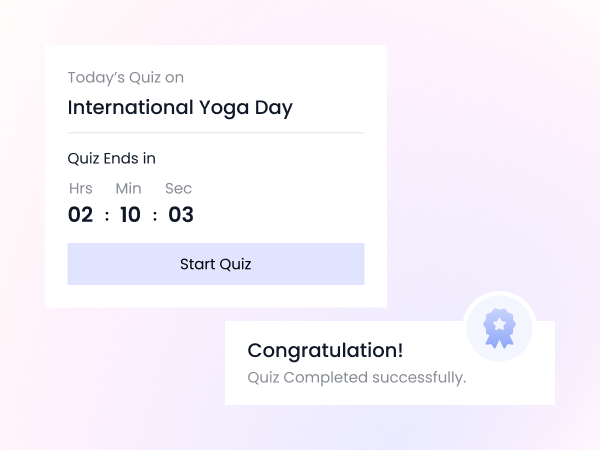
When schools activate quiz mode, iSchoolCloud gives students access to subject-specific quizzes — whether it’s a pop quiz in science, a vocabulary challenge in English, or a timed revision test before exams.

Everything’s simple, focused, and designed for learning.
📚
Subject-Wise Quiz Access
Quizzes are grouped by subject and grade.
📝
Multiple Question Types Supported
MCQs, short answers, and true/false included.
⏱️
Time-Limited Challenges
Quizzes may include countdown timers to simulate test conditions.
🧾
Teacher-Made, Student-Ready
Only educators can create and assign quizzes.
📊
Instant Results Display
See scores immediately after submission.
🧠
Retake Options (If Allowed)
Practice quizzes can be attempted multiple times.
🧩
Gamified Leaderboards (Optional)
Class-wise performance visibility if the school enables it.
📲
Fully Mobile-Friendly
Works on phones — great for practice during travel or breaks.
🔐
Private and Controlled
Quiz access is restricted to assigned students only.

🧠 Learning isn’t always about exams — sometimes, it’s about quick checks and curiosity.

📲 iSchoolCloud lets teachers assign quizzes that students can complete from anywhere 🌍.

📝 No paper.
⏳ No waiting.
⚡ Just instant participation and feedback.

Whether it’s a revision test 🔁, a general knowledge challenge 🌐, or a short pop quiz before class ends ⏱️, students can stay sharp 🧠 and enjoy learning in bite-sized, focused bursts 🎯.

💡 The goal isn’t pressure — it’s progress 📈.

🔄 With optional retakes, 📊 real-time results, and 🧮 smart tracking, quizzes become a safe space for improvement, not judgment.

🏅 And if the school enables class leaderboards 📋 or results-based badges 🎖️ — it adds just the right touch of motivation 🔥.


From casual practice to serious revision

Quizzes That Fit Your Flow

Teachers can share quizzes that students complete online — anytime, anywhere.

Teachers prepare and assign quizzes from their dashboard — tailored for the class.
Yes — quizzes work smoothly on all devices.
Yes — unless the school chooses manual evaluation, most scores are instant.
The system saves your progress periodically — most attempts resume from where you left off.
No — unless leaderboards are enabled, results are private.
Yes, if the teacher enables retry mode.
Not always. Some are just for practice — no grades attached.
Yes — teachers can leave comments or explanations on results.
That depends on the teacher’s instructions and your school policy.
Some schools enable quiz review mode — where you can revisit questions and your responses.
five-rating-star 4.9 5000 Total Reviews

Join Our Inner Circle for Special Perks
A free guide/ebook on educational strategies or technology integration
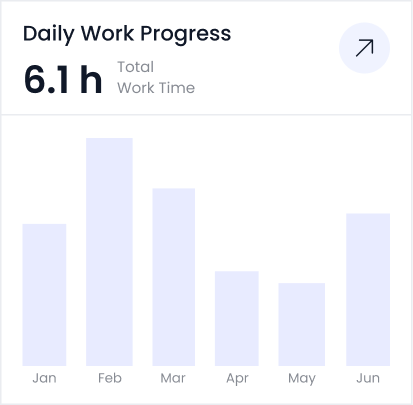
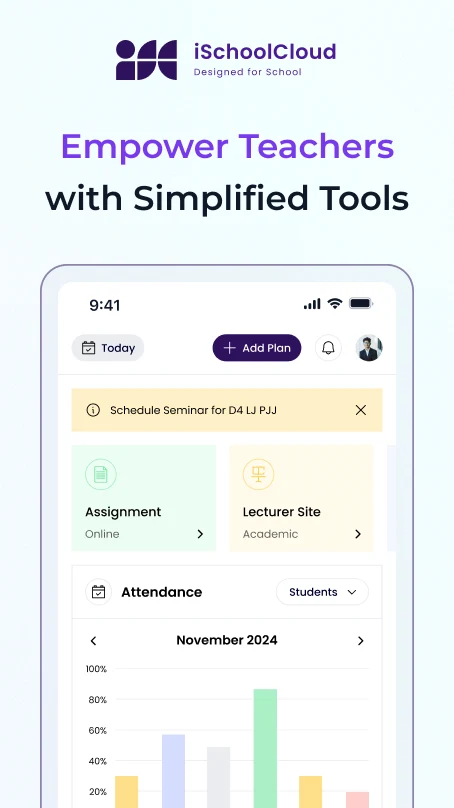
attedance report daily work progress