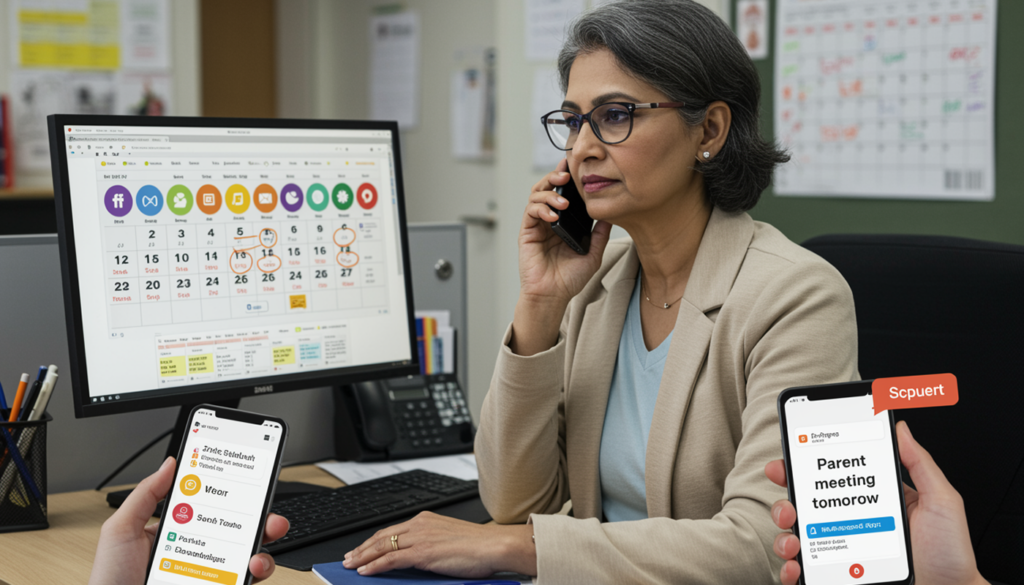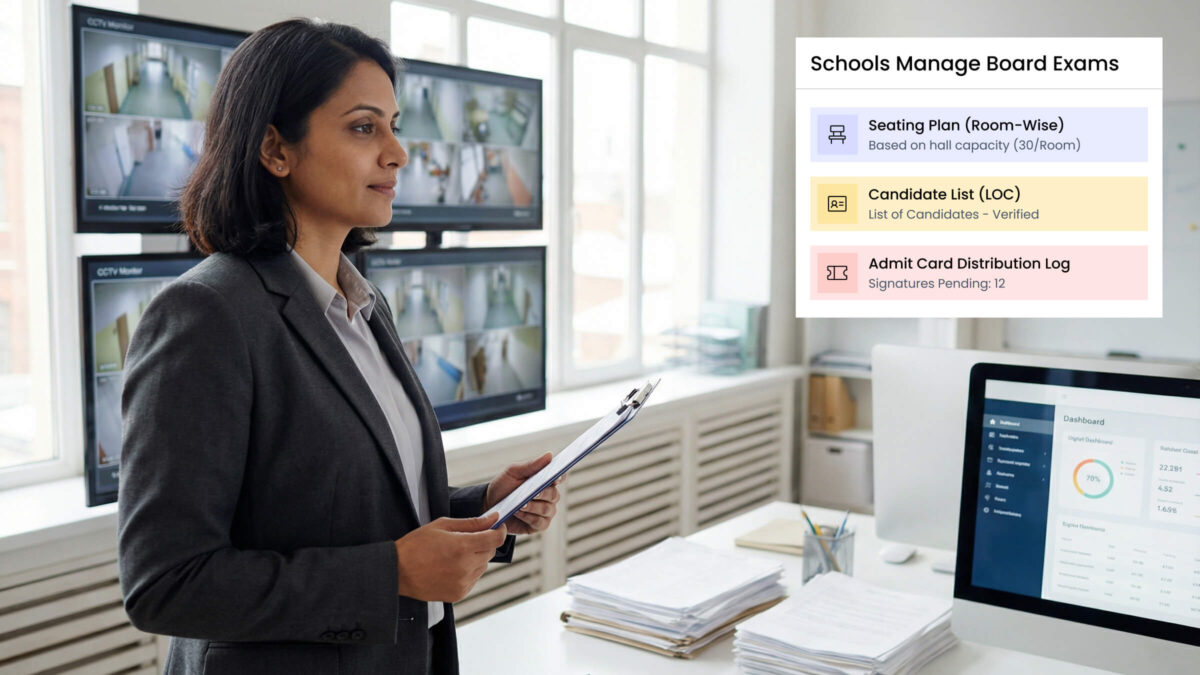
Last Thursday morning, I walked into a Rajkot school during their board exam preparation week. The principal sat surrounded by stacks of student lists, floor plans of every classroom, and three different Excel sheets open on her computer. Her exam coordinator looked like he hadn’t slept in days.
“We have 847 students writing board exams starting Monday,” she told me, rubbing her temples. “Every year, this two-week period feels like organizing a military operation.”
She wasn’t exaggerating.
Managing board exams for hundreds of students involves dozens of moving parts: hall allocation without conflicts, seating arrangements that prevent malpractice, invigilation schedules, daily attendance tracking for 800+ students, answer sheet handling, and result compilation.
One small mistake — like two students assigned the same seat — can trigger exam board complaints, parent panic, and, in the worst cases, exam cancellations.
What I noticed in schools that handled this smoothly wasn’t extraordinary staff or extra manpower. It was the presence of a school exam management system that brought structure to the chaos.
After spending time with principals across Gujarat who have solved this problem, I’ve learned that large-scale board exam management doesn’t require heroics — it requires systems that think ahead, reduce manual dependency, and allow school leaders to focus on responsibility instead of firefighting.
The Real Problem Most Schools Don’t Talk About
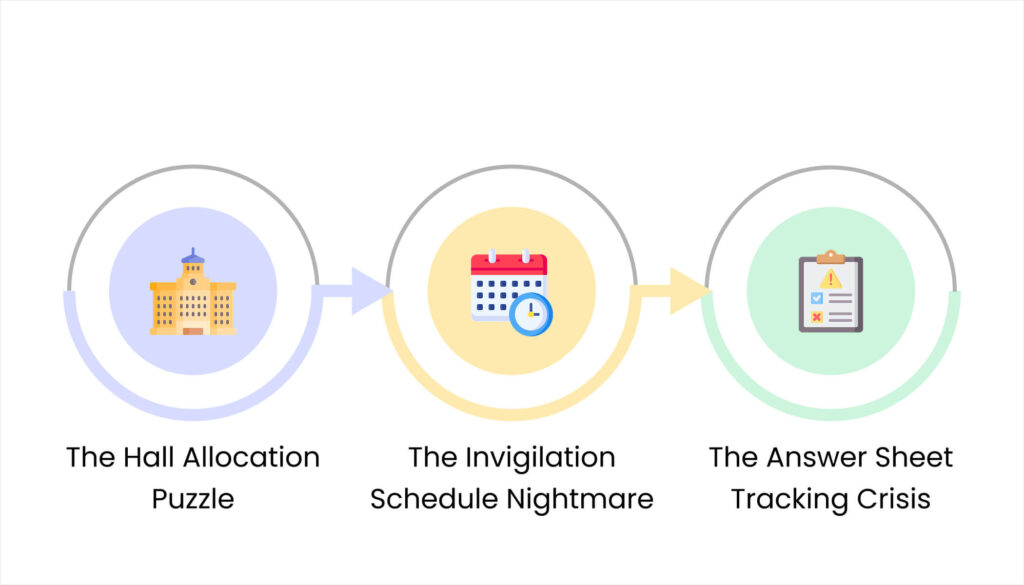
The Hall Allocation Puzzle
You have 847 students. Your school has 28 classrooms of different sizes. Some rooms hold 40 students, others only 25. Board exam rules require specific spacing between students.
Now solve this puzzle: assign every student to a room and seat that:
- Uses available space efficiently
- Doesn’t put students from the same class together
- Accounts for special needs students
- Creates logical patterns for easy navigation
- Leaves no randomly scattered empty seats
Try doing this manually with Excel sheets and you’ll spend three days creating a seating plan – only to discover on exam day that you accidentally assigned 43 students to a room holding 40.
A school in Ahmedabad learned this lesson during their Class 10 boards. Their manual system missed that Room 15 only has 30 desks. On exam morning, 8 students showed up with hall tickets for non-existent seats. The panic, scrambling, and parent calls were a preventable disaster.
The Invigilation Schedule Nightmare
Your teachers need to supervise during exam hours. Simple, right?
Now factor in:
- Some teachers have regular classes during exam days
- Teachers can’t supervise rooms with their own students
- Limited availability based on teaching schedules
- Need for backup supervisors when someone’s sick
- Fair distribution so same teachers aren’t stuck every exam
Manual scheduling creates conflicts causing arguments and last-minute chaos.
The Answer Sheet Tracking Crisis
Where does an answer sheet go after the student finishes?
Student desk → collected by supervisor → bundled by room → sorted by subject → counted and verified → stored securely → sent for evaluation → received back → results entered → stored for board verification.
That’s eight steps where sheets can get lost, miscounted, mixed with wrong bundles, or damaged.
One missing answer sheet = one student’s entire year at risk.
Schools managing this manually live in constant fear during board exam season. Every night, someone stays late counting bundles, double-checking because numbers didn’t match.
Result Publishing Time Crunch
The board exam ends. Now you have two weeks to:
- Receive evaluated answer sheets
- Enter marks for 800+ students across subjects
- Verify data accuracy (one typo changes a student’s future)
- Generate properly formatted report cards
- Print, sign, and distribute
- Handle parent queries about marks
With manual systems, this consumes every waking hour. Late nights, weekend work, stress causing mistakes that create more work.
What a Proper School Exam Management System Actually Does
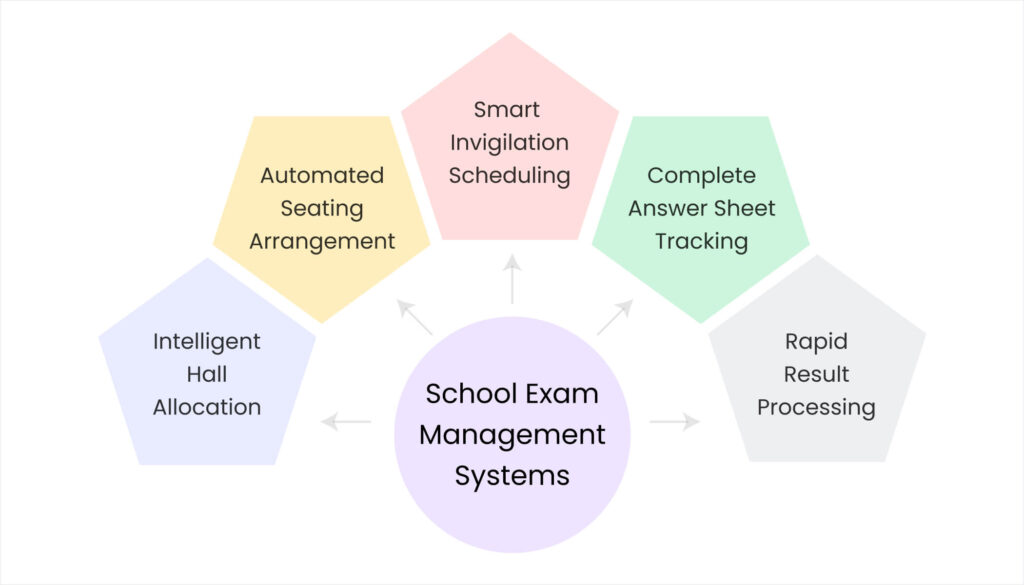
Modern schools handling large board exams use comprehensive school exam management systems that automate the chaos.
Intelligent Hall Allocation
The exam hall allocation system knows:
- Exact capacity of every room
- Board exam seating requirements
- Student lists by class and subject
- Special requirement students needing accommodations
You input data once. The system generates optimal allocation in minutes – not days.
Smart allocation rules ensure:
- Students from same class scattered across different halls
- Room capacity never exceeded
- Special needs students placed appropriately
- Sequential seat numbering that makes sense
- Automatic hall ticket generation with correct details
A Surat school implemented this for 900+ students. What took 4 days of manual work now happens in 20 minutes with zero allocation errors.
Automated Seating Arrangement
The visual representation makes this powerful. The exam scheduling software shows:
- Room-by-room seating layouts
- Visual representation of every desk
- Student names mapped to exact seats
- Color-coding for different classes
- Easy-to-print seating charts
Need to move a student for medical reasons? Click, drag, done. System automatically updates hall tickets and documents.
Smart Invigilation Scheduling
The system manages teacher duty rosters:
- Import teacher timetables showing commitments
- Define supervision requirements
- Generate conflict-free schedules automatically
- Allow teachers to request duty swaps
- Send automatic duty alerts
- Prepare backup assignments for emergencies
This eliminates “I didn’t know I had duty” excuses and last-minute scrambling.
Complete Answer Sheet Tracking
Every answer sheet gets a unique identifier. The board exam management system tracks:
- How many sheets distributed to each hall
- Collection confirmation from supervisors
- Bundle creation and verification
- Dispatch for evaluation
- Receipt after evaluation
- Entry into result processing
- Final archival location
At any moment, you can answer: “Where exactly is answer sheet #4527?”
This prevents the nightmare of lost sheets.
Rapid Result Processing
When evaluated sheets return:
- Direct mark entry with no Excel middle steps
- Automatic validation catches errors
- Automatic grade calculations
- Built-in rank generation if needed
- One-click report card creation
- Bulk printing capabilities
- Parent portal shows results immediately
The result processing system cuts what took two weeks to 2-3 days even for 800+ students.
Real Results from Gujarat Schools
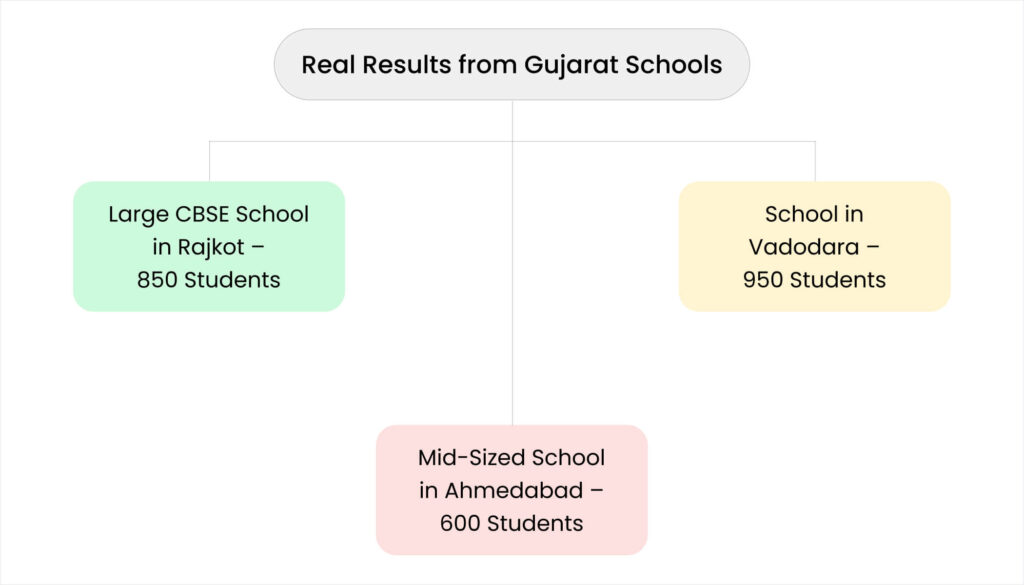
Large CBSE School in Rajkot – 850 Students
Before system:
- 5 days creating manual seating
- 12-15 allocation errors on exam days
- 40+ hours overtime during result processing
- Constant stress during exams
After implementing school exam management system:
- 45 minutes for complete seating arrangements
- Zero allocation errors in three consecutive cycles
- 70% reduction in result processing time
- Dramatically lower staff stress
Biggest surprise: Time savings weren’t during exams – they were during result processing. What monopolized three staff members for two weeks now takes one person three days.
Mid-Sized School in Ahmedabad – 600 Students
Challenge: Mixed GSEB and CBSE streams made manual scheduling incredibly complex.
Solution: System handling multiple boards simultaneously.
Result: Both board exams managed in same building with zero scheduling conflicts. Previously impossible with manual methods.
School in Vadodara – 950 Students
Critical problem: Answer sheet tracking preventing previous nightmares of lost sheets.
Result: Complete audit trail for every sheet. When the board requested verification, they produced exact tracking history in minutes instead of days of searching.
The Investment Reality

Typical Costs
Schools with 500-1000 students:
- Software licensing: ₹40,000-80,000 annually
- Initial setup/training: ₹15,000-30,000 (one-time)
- Total first year: ₹55,000-1.1 lakhs
Savings:
- Reduced overtime: ₹25,000-50,000 annually
- Fewer errors/corrections: ₹15,000-30,000 annually
- Time saved converts to productivity
Most schools achieve positive ROI within the first board exam cycle.
Hidden Cost of Not Having a System
Calculate what manual processes actually cost:
- Staff overtime during exam periods
- Errors requiring correction and reprinting
- Parent complaints and reputation damage
- Lost productivity during manual processes
- Staff stress and burnout affecting retention
One Rajkot principal discovered manual exam management cost her school ₹1.8 lakhs annually – more than any digital solution.
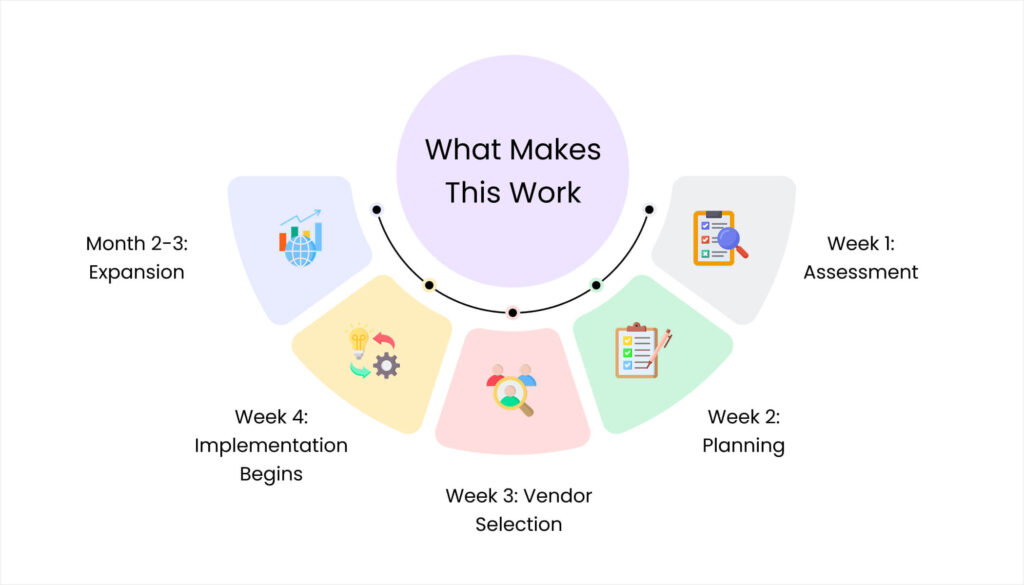
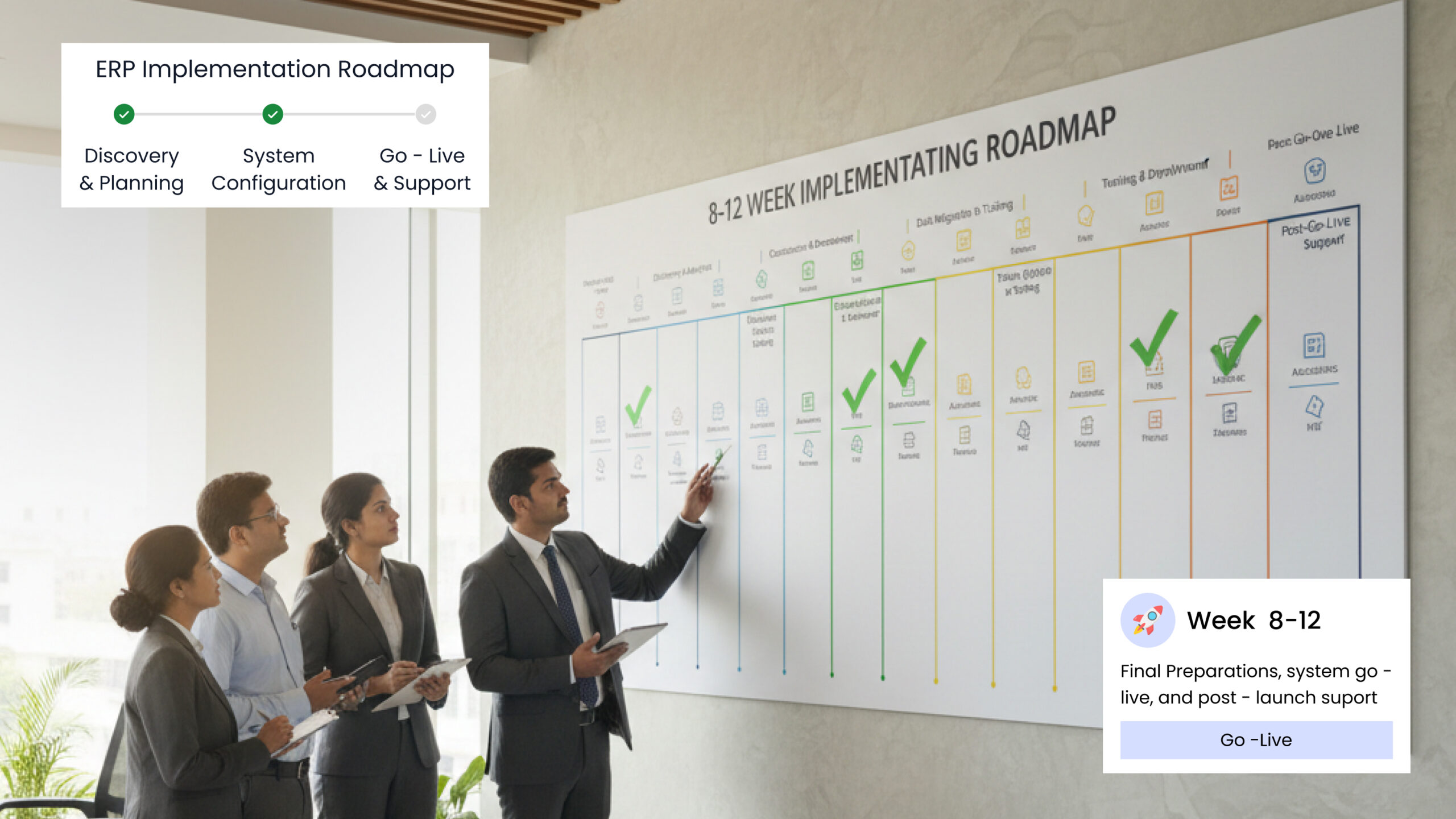
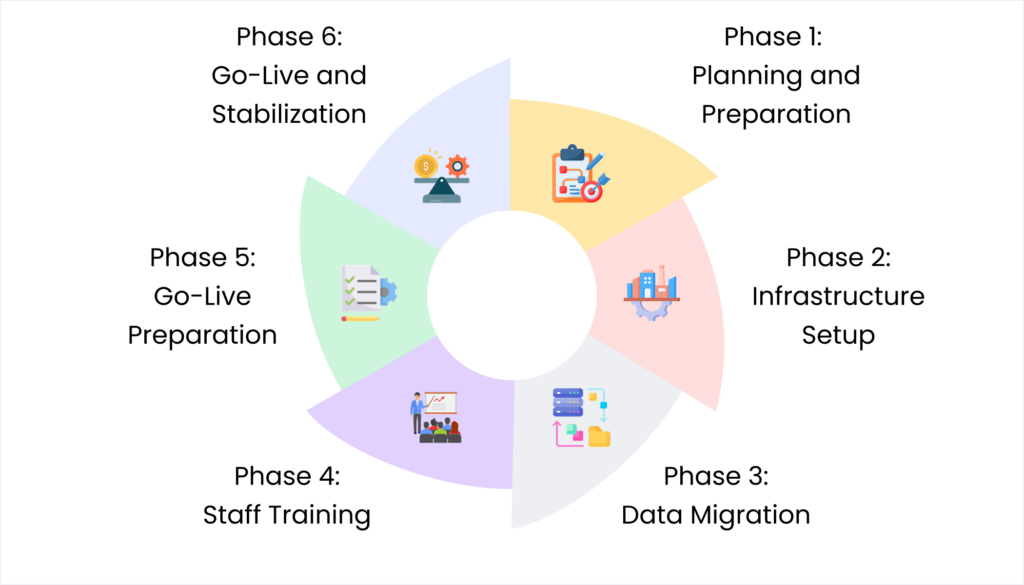
Your Implementation Action Plan
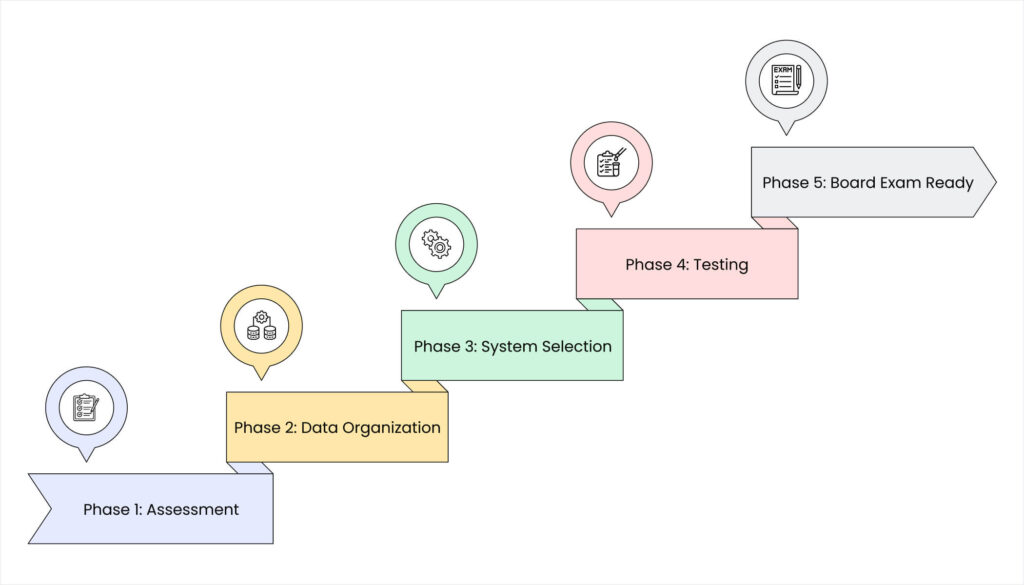
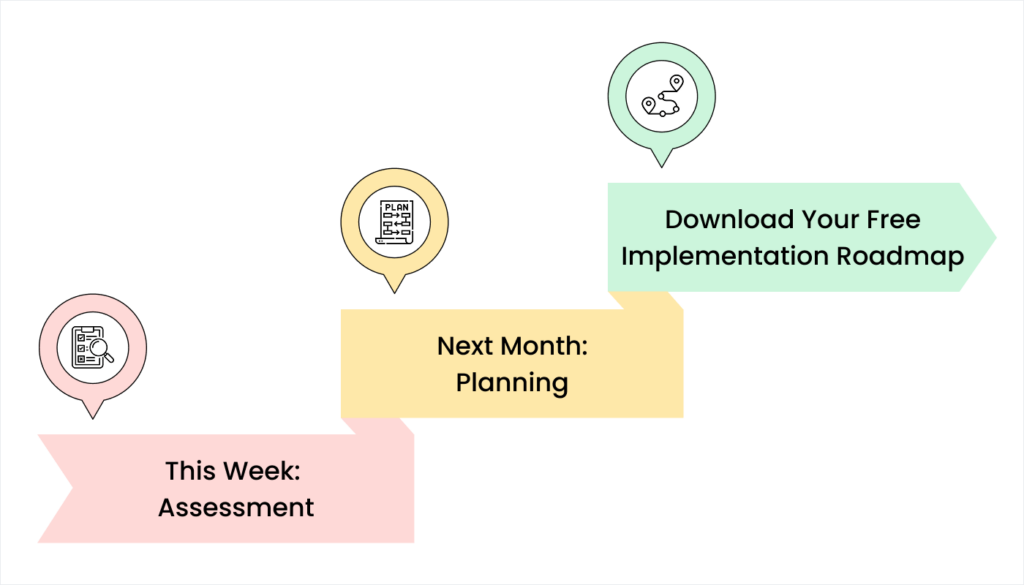
Phase 1: Assessment (This Week)
Calculate your current situation:
- How many hours does exam management consume?
- How many errors occur typically?
- What are your biggest pain points?
- What would perfect management look like?
Phase 2: Data Organization (Weeks 1-3)
Get information organized:
- Clean student data with correct spellings
- Document exact room capacities
- Create teacher schedule database
- Identify special requirement students
Phase 3: System Selection (Week 4)
Choose your school exam management system based on:
- Must-have features for your needs
- References from similar Gujarat schools
- Support quality in local languages
- Integration with existing systems
Phase 4: Testing (Months 2-4)
Implement for internal exams first:
- Test hall allocation with mid-terms
- Practice result processing with internals
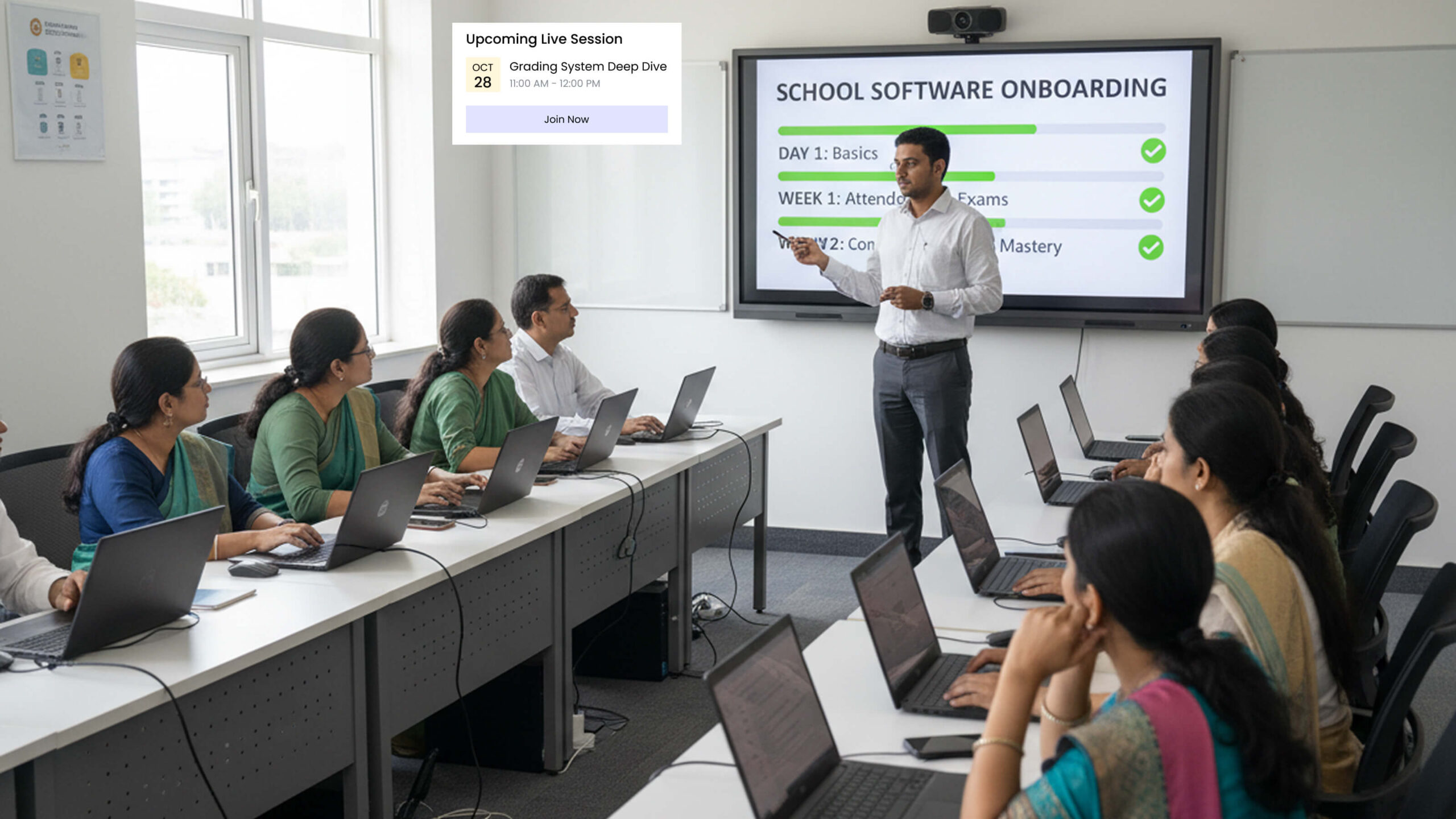
- Train staff gradually
- Fix issues before boards
Phase 5: Board Exam Ready (Month 5)
You’re now prepared with:
- Tested, working system
- Trained, confident staff
- Clean, organized data
- Backup procedures in place
Key Implementation Lessons

Start Small, Scale Up
Don’t implement everything during actual board exams. Use internal exams as testing ground to build staff confidence.
Data Quality Matters Most
Clean, accurate data is essential:
- Complete student lists with consistent spellings
- Room information with exact capacities
- Teacher schedules properly documented
- Subject combinations correctly mapped
Plan 2-3 weeks for data cleanup before implementing any system.
Train Backup Staff
Your exam coordinator needs training, but train backup staff too. When your primary person is sick during board week, you’ll be grateful someone else knows the system.
Essential vs. Nice-to-Have
Prioritize features preventing disasters:
Must-have:
- Accurate hall allocation
- Automated hall ticket generation
- Answer sheet tracking
- Result entry with validation
- Basic report card generation
Very helpful:
- Invigilation scheduling
- Parent notifications
- Digital hall ticket distribution
Nice-to-have:
- Dashboard analytics
- Mobile apps for students
- QR code scanning
Start with essentials working perfectly.
The Competitive Advantage

Efficient board exam management isn’t just about reducing stress – it’s a competitive advantage.
When parents visit during admission season, smooth professional exam management impresses families and builds reputation.
Schools known for exam management excellence attract:
- Quality students valuing professionalism
- Teachers preferring organized institutions
- Positive word-of-mouth referrals
- Better relationships with board authorities
The school handling 800+ students’ board exams smoothly demonstrates administrative competence influencing parent decisions.
Your Next Steps

The worst time to think about exam management is during exam season when you’re drowning in work.
The best time? Right now, before your next major exam cycle.
Start by calculating what manual management really costs – staff time, errors, stress, and inefficiencies. Most Gujarat schools discover numbers are far worse than realized.
Then research systems designed for Indian board requirements. Talk to schools in Rajkot, Ahmedabad, and Surat that implemented successfully. Ask about challenges faced and results achieved.
Make decisions based on what works for your specific situation – student count, staff capacity, budget constraints, and timeline.
The technology exists. Benefits are proven. Schools across Gujarat successfully manage large board exams without traditional chaos.
The question is: will your school continue struggling with manual methods, or join schools handling board exams professionally and efficiently?
Ready to transform your board exam management from stressful chaos to smooth professionalism?
We specialize in helping Gujarat schools implement complete school exam management systems designed for CBSE, GSEB, and ICSE board requirements.
Contact us for a personalized demonstration of how our exam management solutions handle your school’s specific needs – whether you have 300 students or 3,000.
Let’s make your next board exam season the smoothest one your school has ever experienced.