πŸ”΄   Live
New school onboarding for 2026–27 academic year.
Reserve Your DEMO Slot β†’
All Schools, One Dashboard

Multi-Branch Analytics

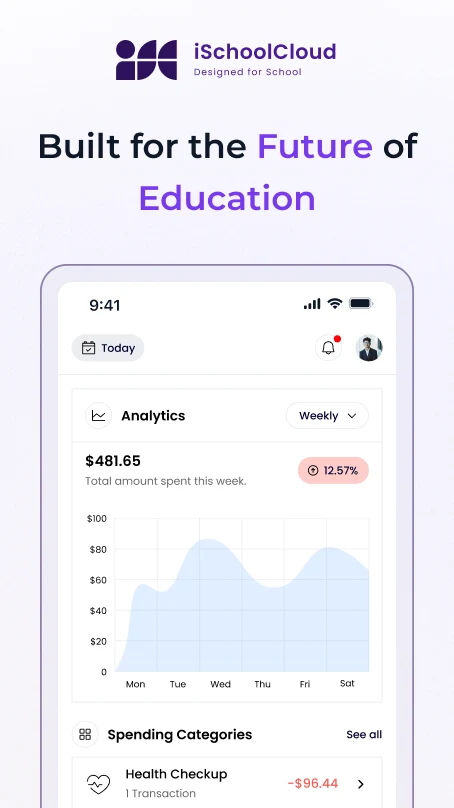
View academic, financial, and operational data across all school branches β€” from one login.
school-logo
school-logo
school-logo
school-logo
school-logo
school-logo
school-logo
school-logo
school-logo
school-logo

One View for the Entire School Group

If your trust or school group operates multiple campuses, you know how hard it is to see what’s happening across all locations.

With iSchoolCloud’s Multi-Branch Analytics, you can monitor academic performance, fee collections, staff data, transport usage, and more β€” branch-wise or consolidated.

Make smarter decisions. Catch problems early. And finally get the visibility your leadership needs β€” without collecting separate reports from every principal.
πŸ“Š
Branch-Wise Dashboard
See each school’s performance on academics, fees, attendance, transport, and more.
πŸ“
Consolidated Reports View
Get combined data across all branches for trust-level reviews.
πŸ“‰
Comparative Graphs & Trends
Visualize trends across schools β€” top performers, fee collection gaps, and student ratios.
🧾
Financial Metrics Overview
Track fee collections, dues, and concessions per branch β€” live data.
πŸŽ“
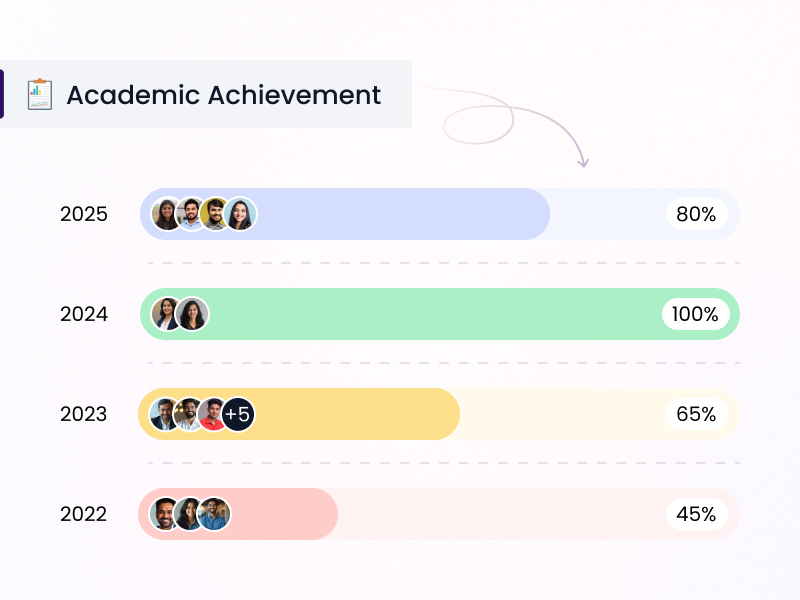
Academic Achievement Comparisons
View exam results, class toppers, and promotion rates across schools.
🧍
Staff Headcount & Allocation
Compare teaching/non-teaching staff by branch with department-level data.
🚍
Transport Usage Analytics
See vehicle usage, route optimization, and student load by location.
πŸ•“
Real-Time Data Sync
All branch data updates instantly β€” no need to request manual reports.
πŸ“₯
Exportable Trust Reports
Download ready-made branch comparison reports for meetings or audits.

🏫 Managing Multiple Schools Shouldn’t Mean Multiple Headaches

Running multiple schools under one trust isn’t easy β€” especially when every branch runs slightly differently 🧩.

You need real-time clarity, not scattered reports 🧾.

With iSchoolCloud’s Multi-Branch Analytics, you can finally compare and understand how all your schools are performing β€” from πŸ’° fees and πŸŽ“ academics to πŸ‘©β€πŸ« staff load and 🚌 transport.

It’s not just about β€œseeing numbers” πŸ”’.
It’s about knowing:

  • πŸ“‰ Which schools are struggling
  • πŸ“ˆ Which are excelling
  • πŸ†˜ And where support is needed

You’ll see:

  • πŸ“Š Trend lines
  • πŸ“Ά Bar charts
  • πŸ“… Attendance averages
  • πŸ‘₯ Student-teacher ratios
  • πŸ’³ Fee summaries

…for every branch, instantly ⚑.

It saves hours of:

  • ☎️ Phone calls
  • πŸ“‚ Excel merges
  • πŸ” Repeated β€œplease send your report” follow-ups

This is your group’s data β€” already organized πŸ“š β€” helping you lead with confidence 🧠.


Every Branch’s Key Data β€” In One Place

One Group. One View.

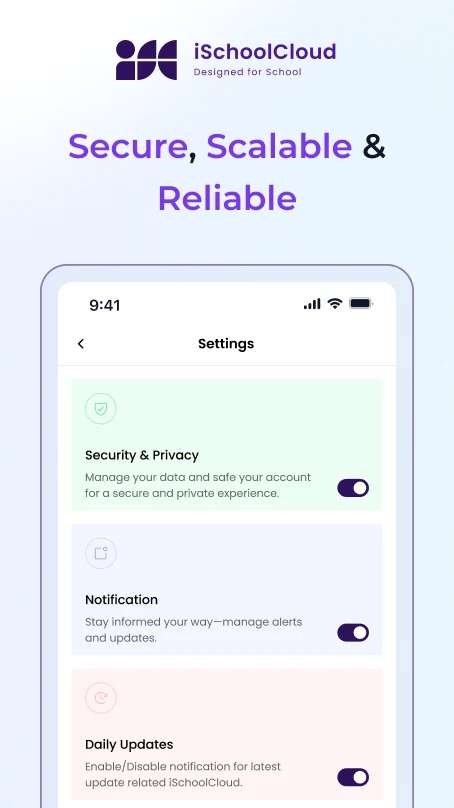
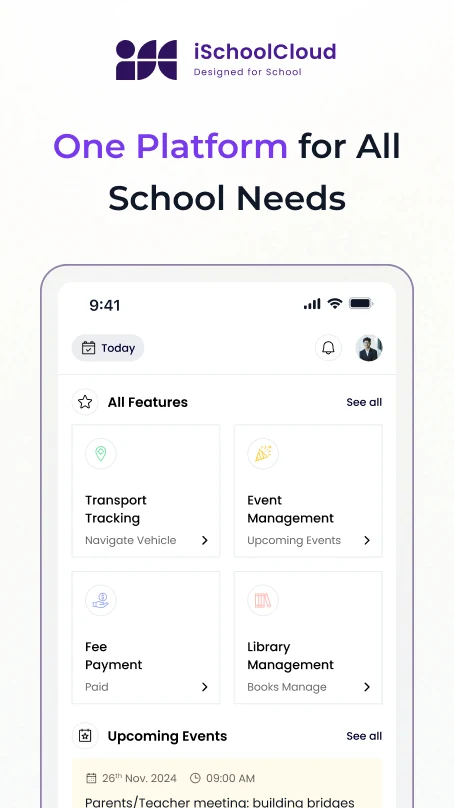
iSchoolCloud helps school groups track and compare branches without manual work.

Yes β€” view pass percentages, class-wise averages, and top subjects side-by-side.
Absolutely. See collections, dues, concessions, and discounts branch-by-branch.
Yes. Admins with multi-branch access can switch or view all data from one place.
That’s fine β€” analytics still work, with board-specific filters.
Yes β€” it syncs instantly from each branch’s ERP activity.
Yes β€” you can download detailed Excel or PDF reports.
View total staff, vacancies, roles, and department loads by branch.
Yes β€” track average attendance by class or grade per campus.
Yes β€” view fleet usage, route coverage, and student allocation branch-wise.
You can segment reports to compare similar-sized branches only.
five-rating-star 4.9 5000 Total Reviews

Join Our Inner Circle for Special Perks
A free guide/ebook on educational strategies or technology integration
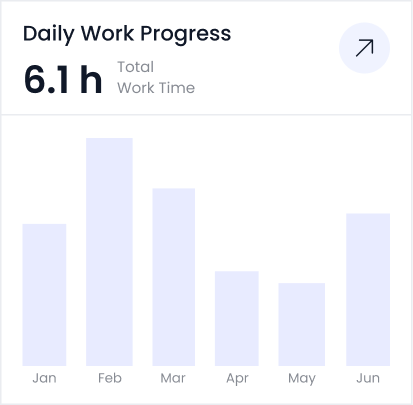
attedance report daily work progress